You ordered the salad. Why pay for the steak?
ReceiptSplit is the receipt splitting app that scans your receipt, lets you assign every item, and calculates each person's fair share — including their portion of tip and tax. Fair splits, not equal splits.
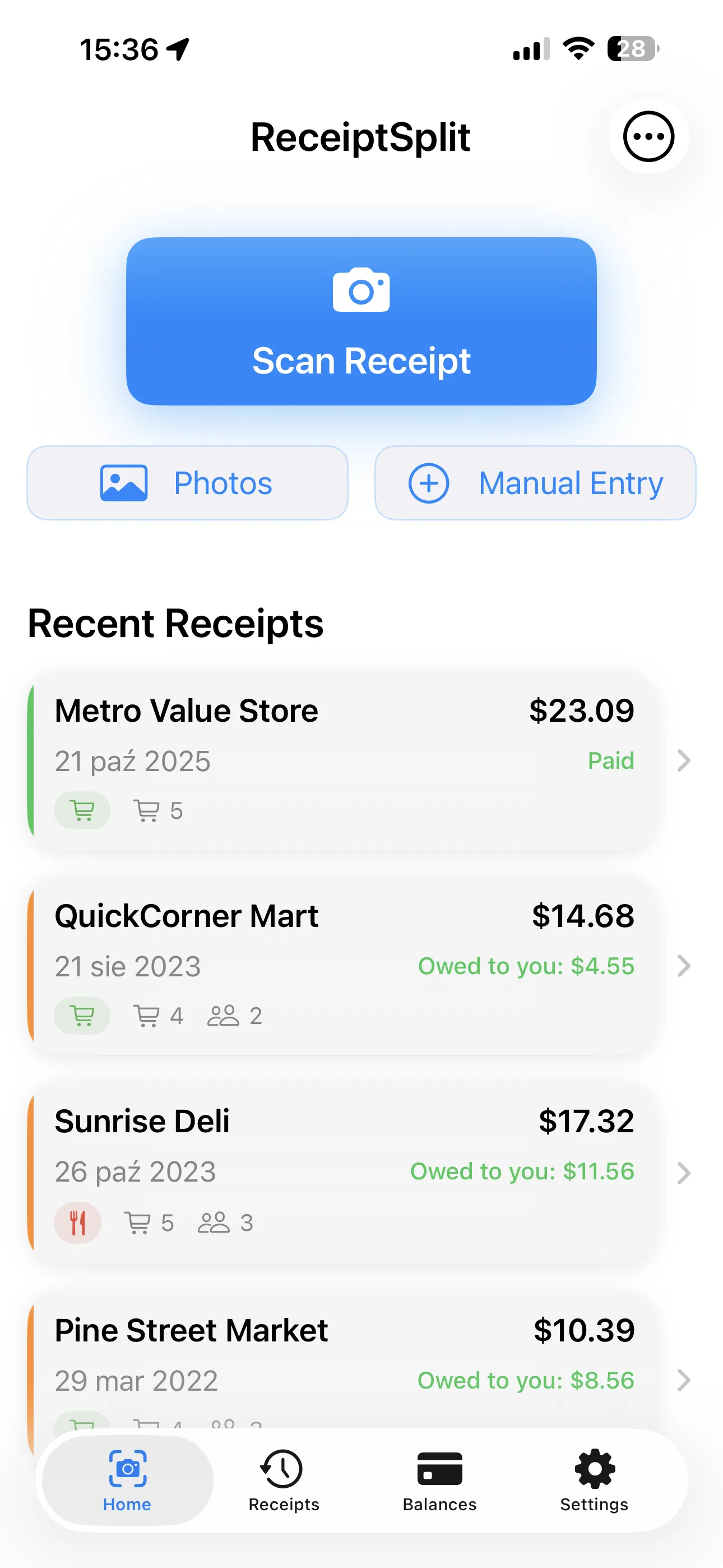
See it in action
From scan to payment request in 30 seconds.
How to split a receipt in 3 steps.
Restaurant checks, group groceries, travel expenses — three steps, zero arguments.
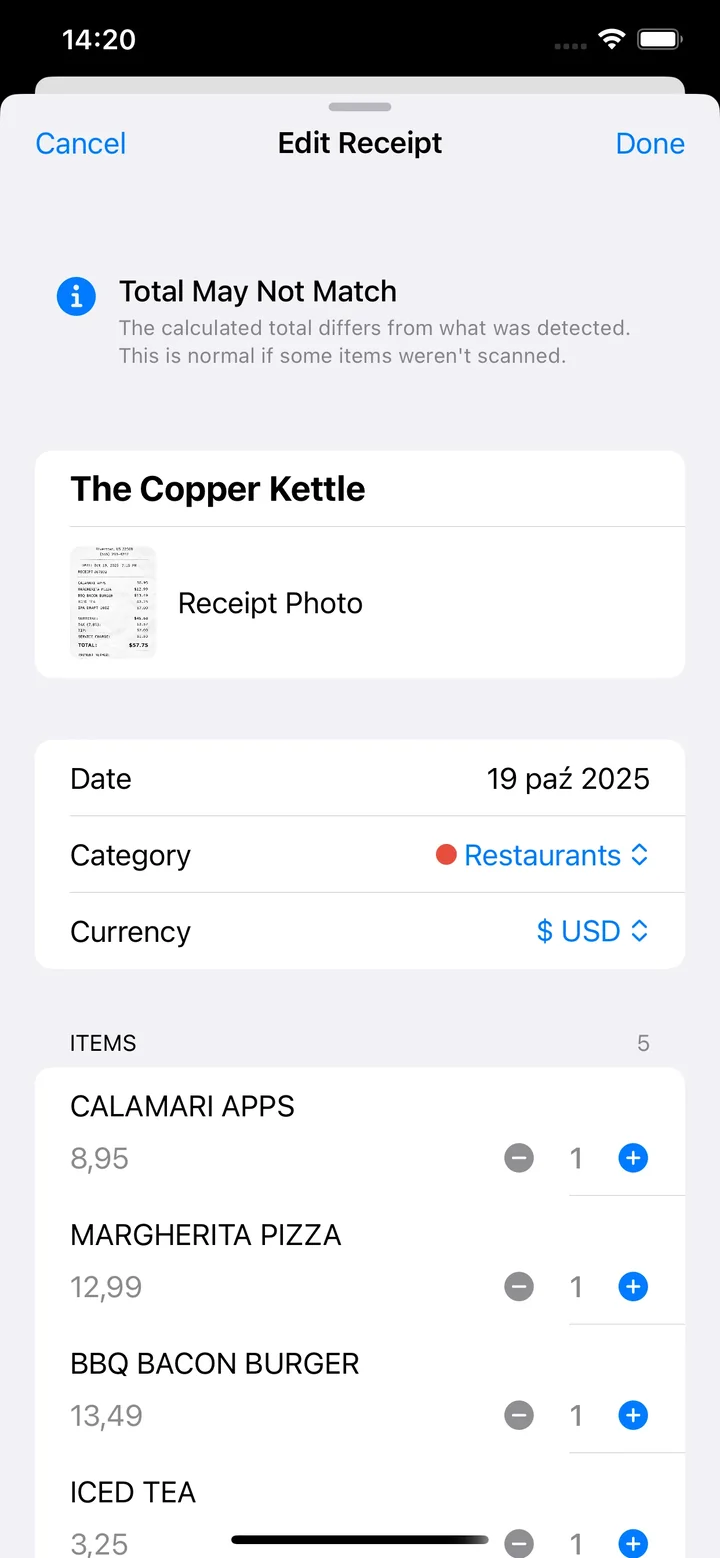
Scan
Point your camera at any receipt. The AI extracts every item, price, tax, and tip — ready to review and edit.
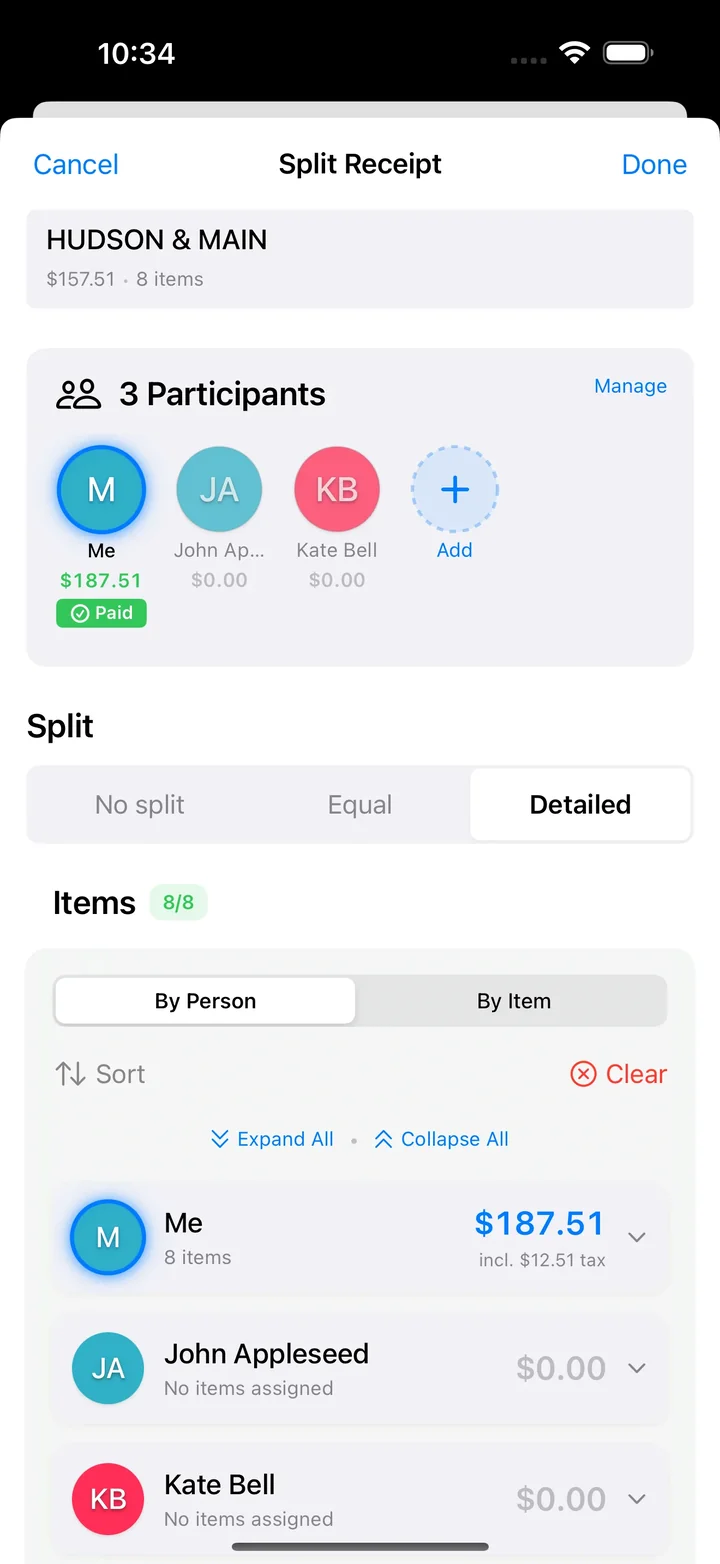
Split
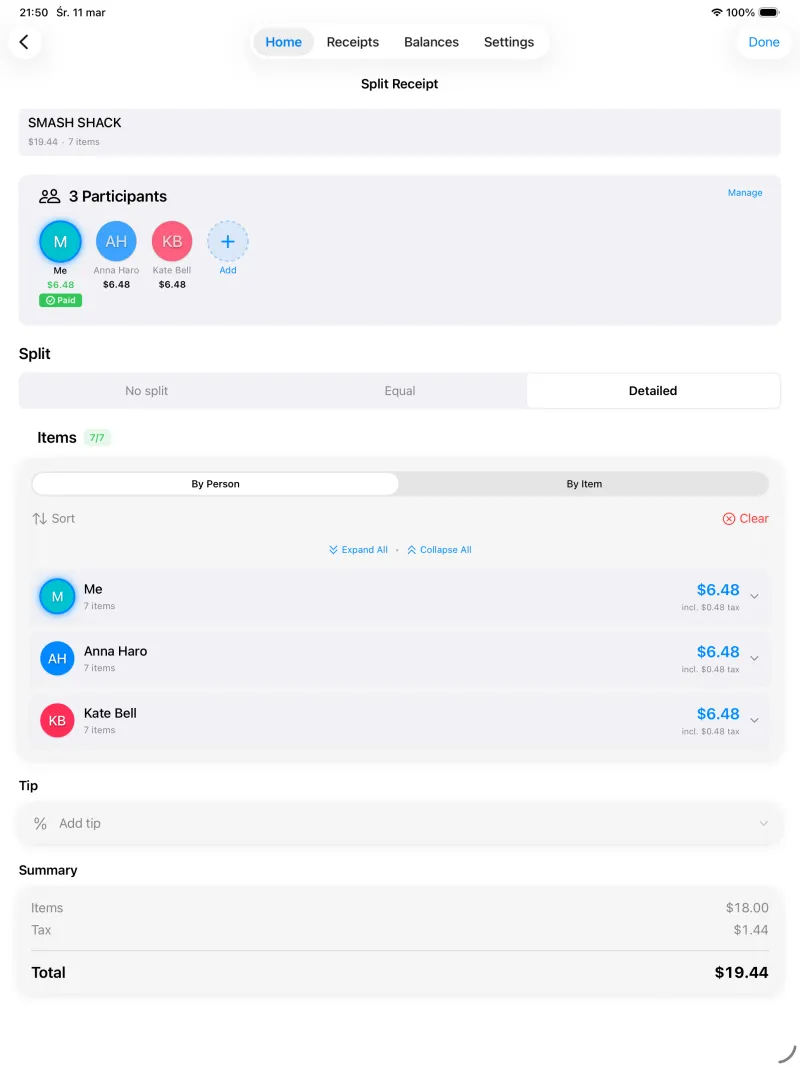
Switch between By Person and By Item views. Assign everyone at once or clear all assignments with one tap, and sort items however you like. Shared dishes split automatically. Tax and tip distributed proportionally.
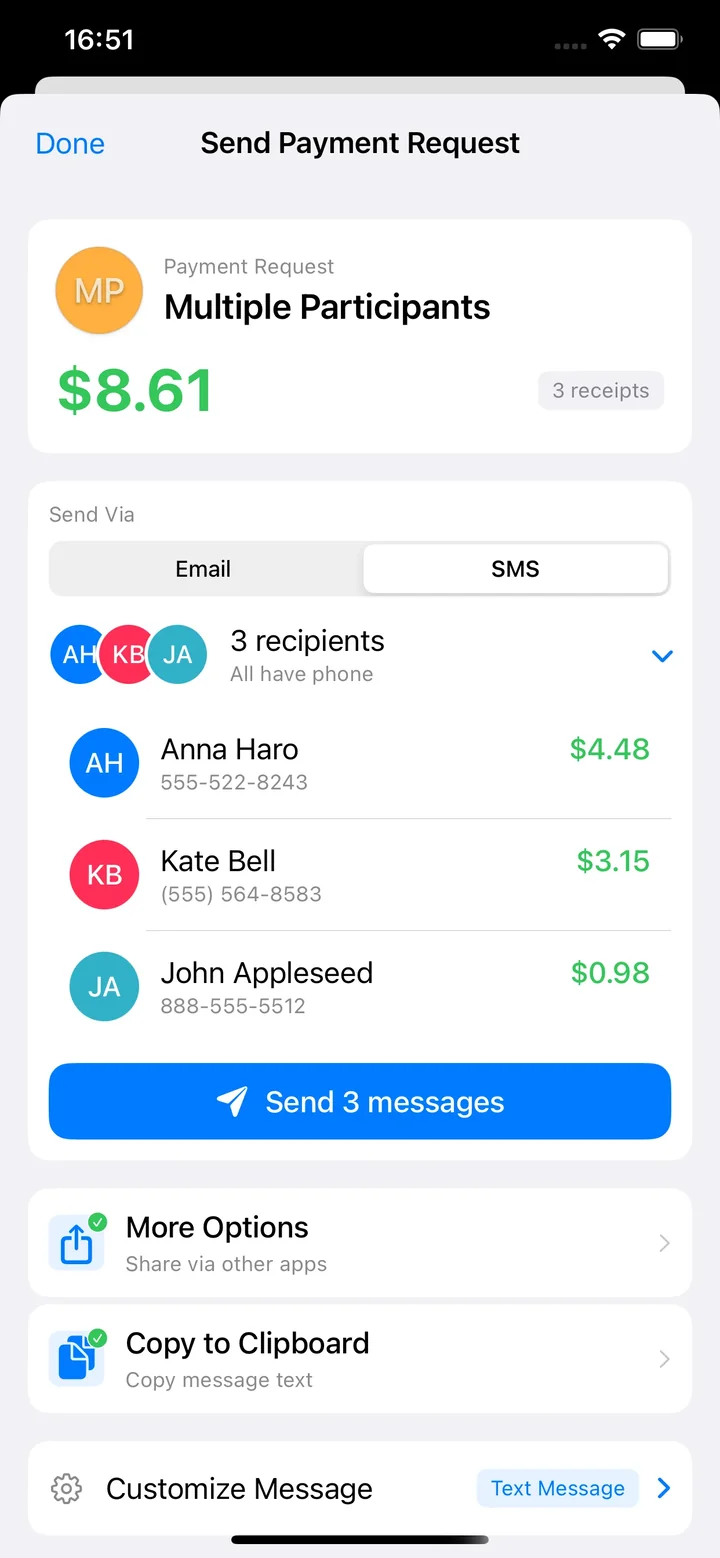
Send
Send polished payment requests to multiple recipients via email or SMS. Customize the format, detail level, and choose whether to include receipt images. No awkward "you owe me" conversations.
Every receipt splitting feature you need.
From restaurant checks to group expenses — features that other apps lock behind paywalls, included free.
AI Receipt Scanning
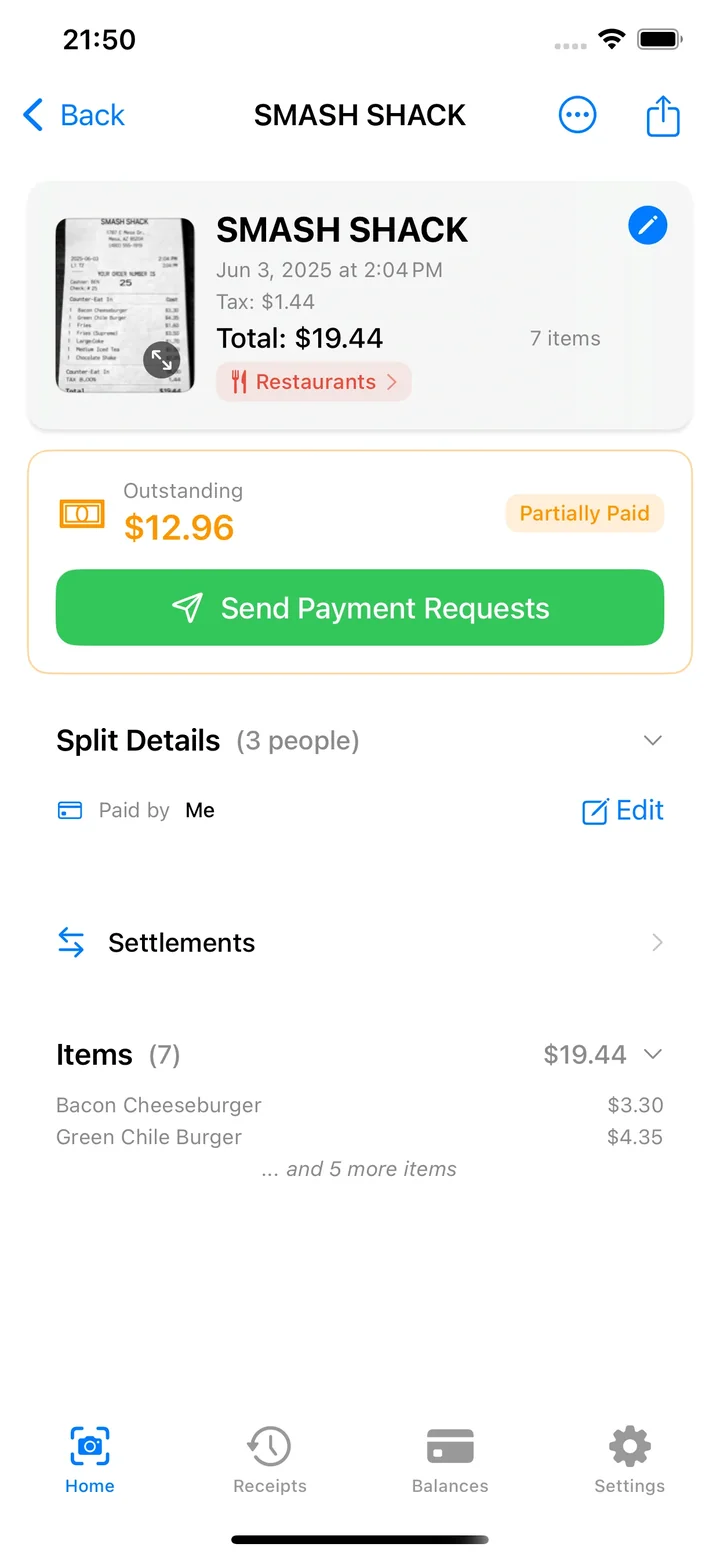
Snap a photo or pick one from your gallery — AI reads every item, price, tax, and tip. Works with restaurant checks, grocery receipts, and delivery orders. Review the full receipt with the original image, split details, and outstanding balance.
8 Payment Methods, One Tap Requests
Venmo, PayPal, Cash App, Revolut, Apple Pay, BLIK, bank transfer, or cash. Send polished payment requests with ready-to-tap links via email or SMS — your friends pay however they prefer. Most apps charge extra for this. Here, it's free.
Fair Tip & Tax
Ordered a salad while your friend got lobster? You'll only pay your share of the tip and tax — proportionally, not equally.
150+ Currencies
Splitting sushi in Tokyo? Tapas in Barcelona? Currency is auto-detected from your receipt. Each receipt tracks its own currency, and balances are calculated per-currency automatically. Other apps charge a premium for multi-currency. Here, it's included.
Payment Tracking
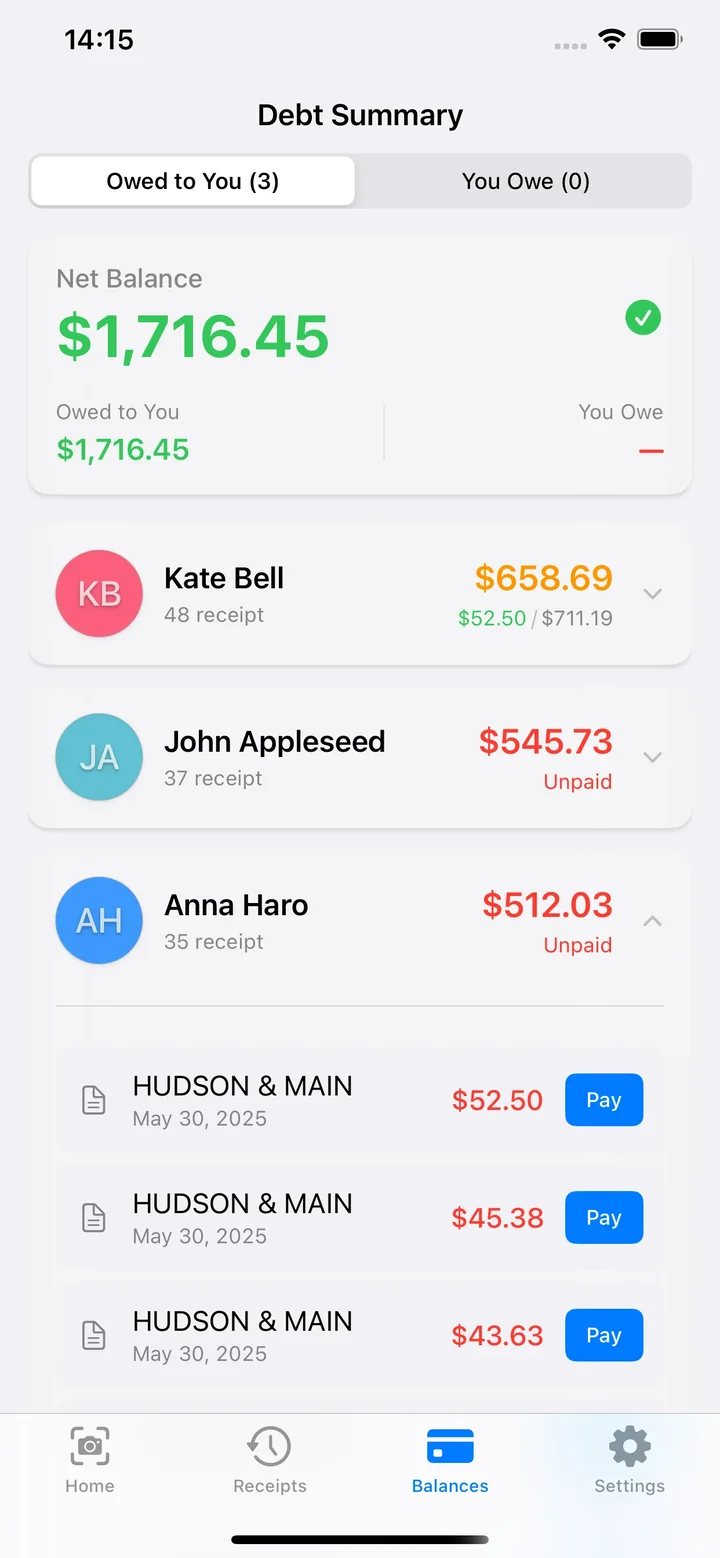
No more mental tallying. See exactly who's paid, who still owes, and how much — with a full payment history for every receipt.
Receipt History
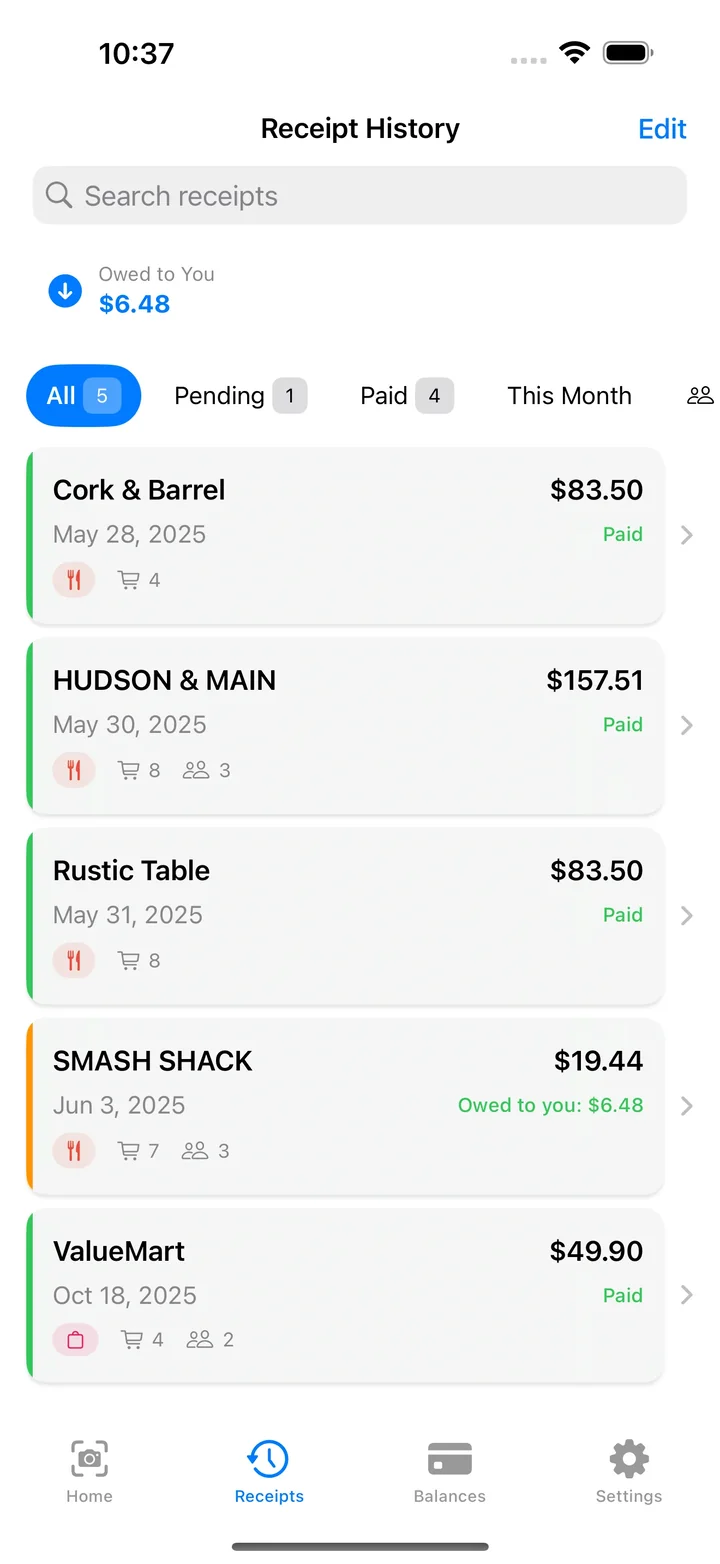
Every split is saved. Search by name, filter by status, and see outstanding balances at a glance. Find any receipt in seconds.
Works Offline
No Wi-Fi at the cabin? No problem. Manual entry and all splitting features work without internet — scan later when you're back online.
Saved Groups
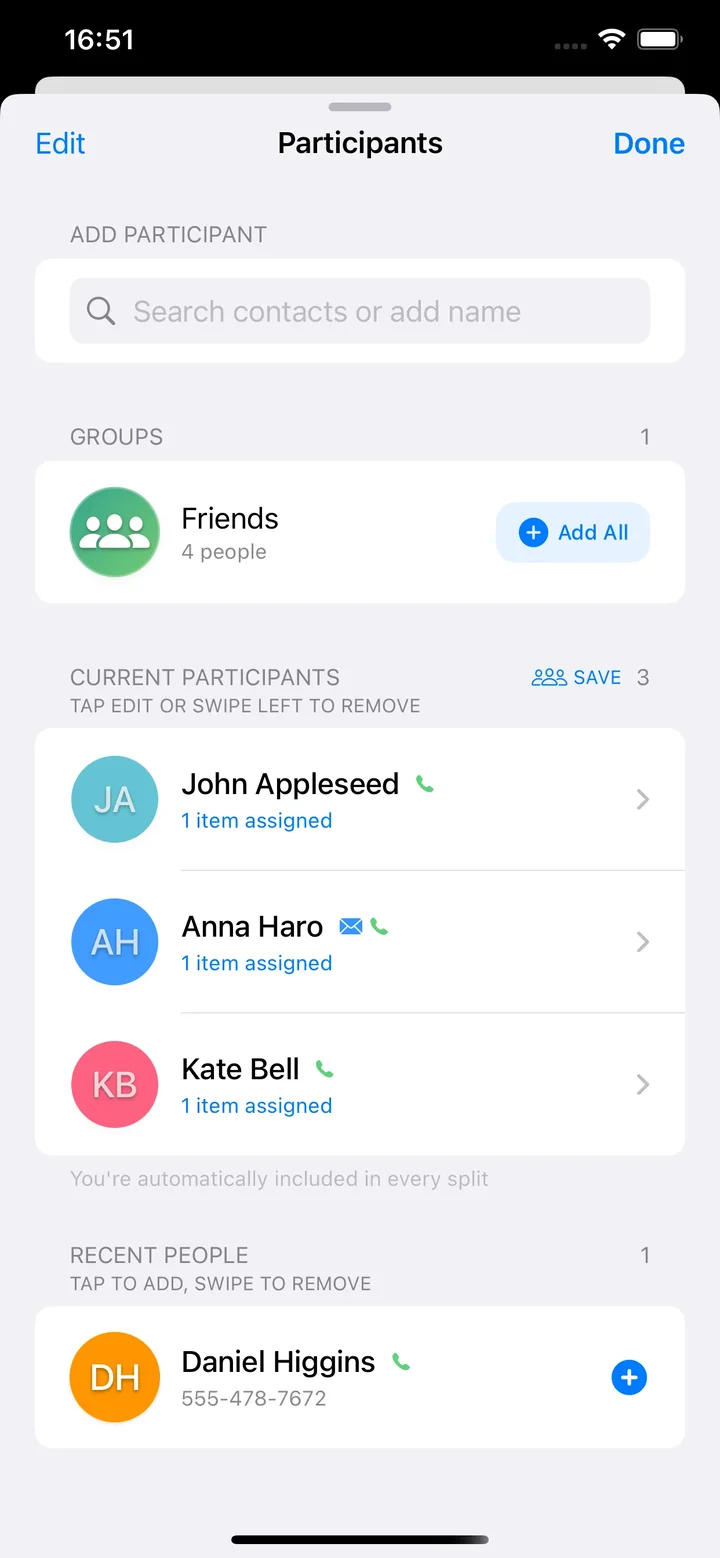
Same brunch crew every weekend? Save your group once and add everyone with one tap. Pull contacts from your phone, pick from recent people, or create custom groups for roommates and travel buddies.
Balance Reminders
Friend still owes from last month? Get a weekly nudge when there's an open balance — nothing aggressive, just a quiet reminder you can toggle in Settings.
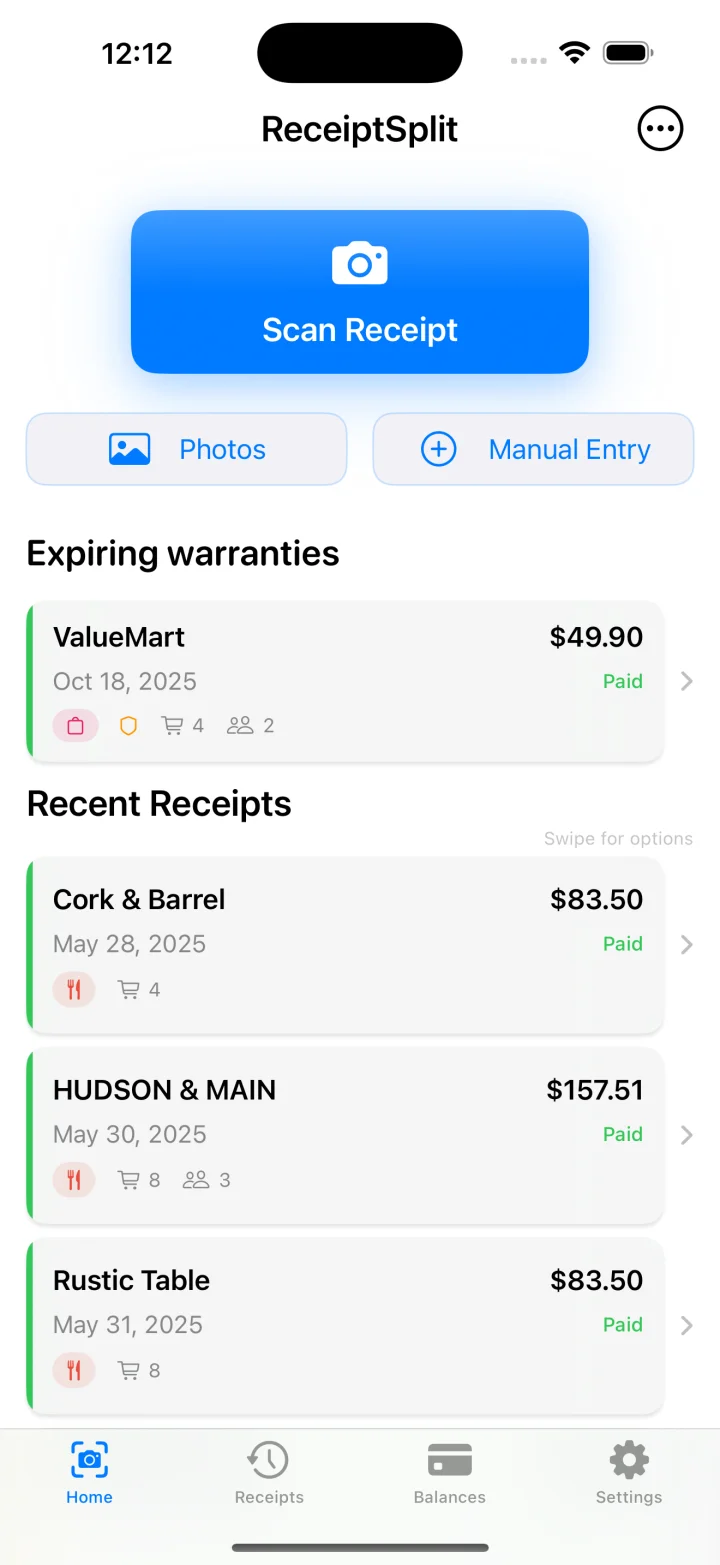
Warranty Reminders
Set a warranty date with one tap. Get a single push 30 days before it expires — so the laptop warranty you forgot about actually saves you. Your receipts are already in the app; now they're useful twice. How it works →
Simple pricing.
Everything that costs extra elsewhere is free here.
- 10 AI receipt scans
- Unlimited manual entry
- All splitting features
- All 8 payment methods (free)
- Offline manual entry & splitting
- 150+ currencies (no premium wall)
- Saved groups, PDF export & debt reminders
- Everything in Free, plus:
- Unlimited AI receipt scanning
- Scan every receipt, every meal, no limits
- Cancel anytime
Receipt splitting on iPad, too.
Full split experience on your iPad — same features, more room to work. No other bill splitting app does this.
Frequently asked questions.
Everything you need to know about ReceiptSplit.
Is ReceiptSplit free?
Do I need to create an account?
Does it work without internet?
What payment apps does it support?
How does bill splitting work?
Can I split with people who don't have the app?
How accurate is the AI scanning?
Ready to split smarter?
Your next dinner out is one scan away from a fair split.
Free with 10 AI scans. No account or credit card required.